Check Twitter Shadowban
How to check twitter ban?
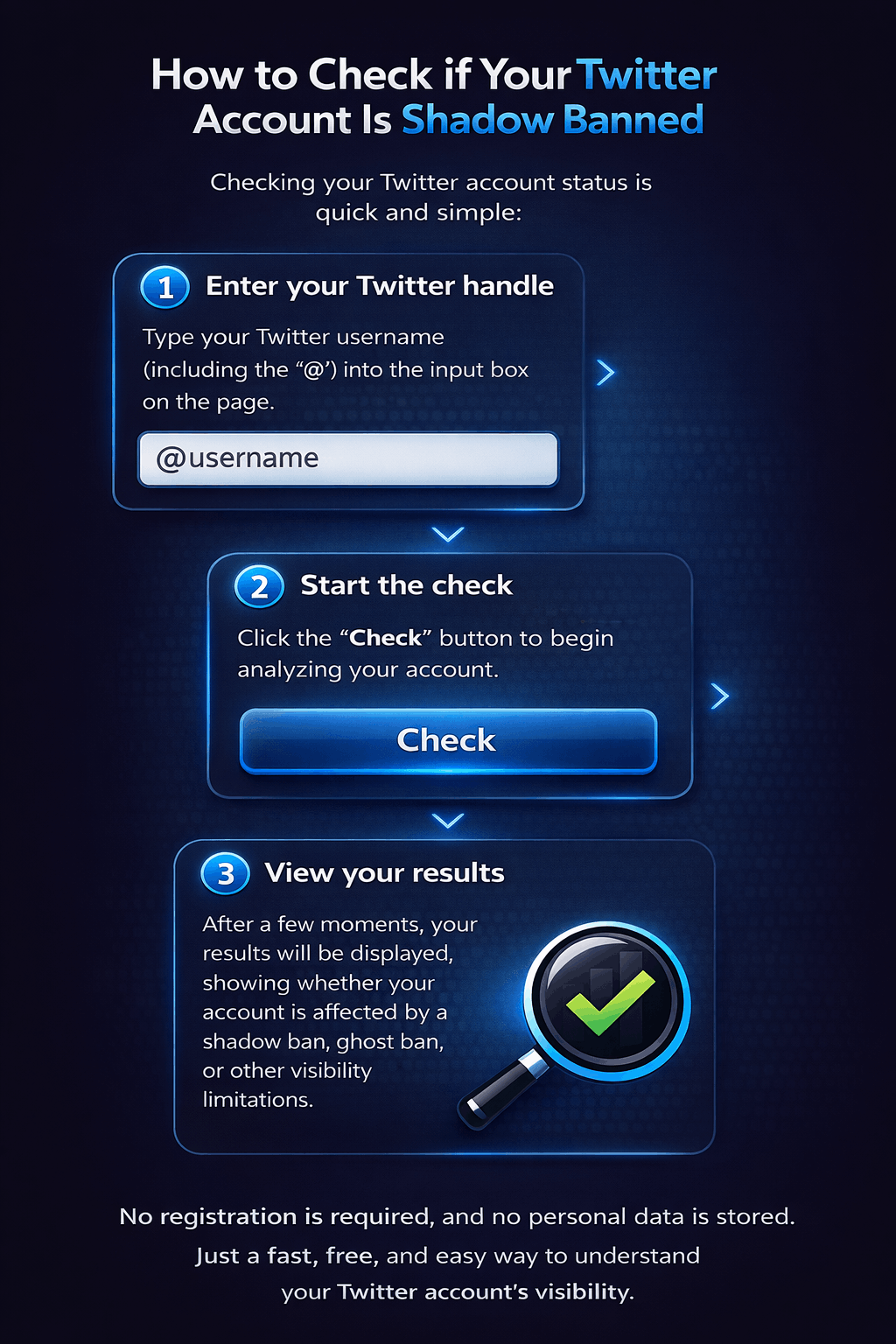
Checking your Twitter account status is quick and simple:
- Enter your Twitter handle
Type your Twitter username into the input box on the page. - Start the check
Click the Check button to begin analyzing your account. - View your results
After a few moments, your results will be displayed, showing whether your account is affected by a shadow ban, ghost ban, or other visibility limitations.
No registration is required, and no personal data is stored. Just a fast, free, and easy way to understand your Twitter account’s visibility.
Privacy & Security Guaranteed
We don’t store any of your data, so you can check twitter ban safely and privately with complete peace of mind. No account needed.
Completely Hassle-Free
Enjoy unlimited checks without ever needing to sign up or make a payment. Our service is 100% free, forever.
Lightning-Fast Downloads
Paste your Twitter handle into the input box, press Check, and instantly see your results. Our tool delivers fast, real-time checks with no waiting and no delays.

Our Story
CheckBan was created to make Twitter visibility clear and accessible for everyone. Too many users struggle with shadow bans and ghost bans without knowing why — or even if they’re affected at all. We wanted to change that.
Our mission is simple: provide a fast, free, and transparent way to check the status of any Twitter username. No accounts, no sign-ups, no hidden steps. Just paste a handle and get real results.
We believe tools that improve online visibility should be open, easy to use, and available to everyone.